It's awake.
Macinotch turns the notch on your MacBook into a panel for your music, your calendar, a camera mirror, Shortcuts, and a place to stash files.
Free for 48 hours, no card · then $9.99 once $14.99, or $1.99 a month $2.99
· Beta pricing
Everyone said it was wasted space.
The notch arrived in 2021 and the verdict was quick. Four years of pixels nobody was allowed to use.
The complaints
- A black bar you can't click.
- Dead pixels with a camera in them.
- Something to hide with a wallpaper.
What was actually there
- Screen space above the menu bar.
- The one spot your eyes already return to.
- Room enough for the thing you keep reaching for.
We disagree.
So we built something to prove it
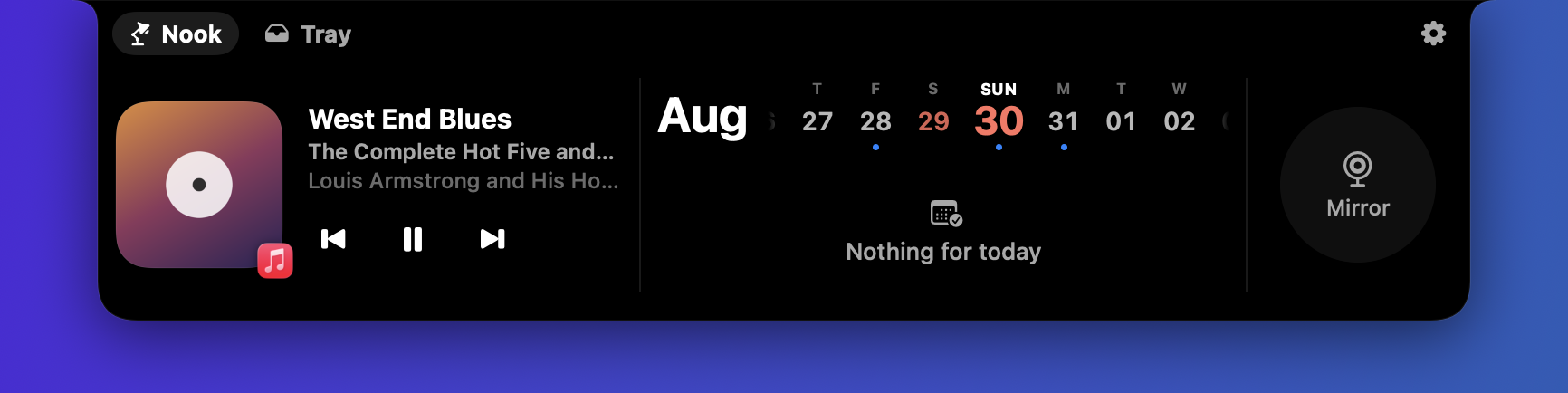
Everything lives in the Nook.
Hover the notch and it opens into a panel. Your music, your day, and a mirror to check yourself before a call, all in the one place your eyes already go.
Drag it in. Drag it out.
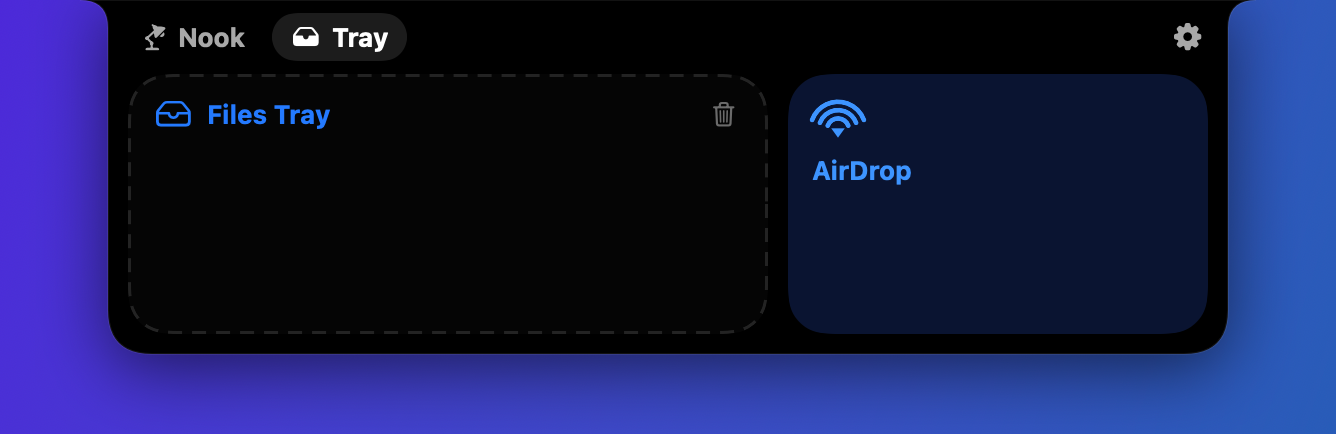
The Tray is a shelf that lives in your notch. Drag a file onto it to hold on to it, then drag it back out into any app whenever you need it. Drop it on AirDrop to send it on from there.
It notices, then gets out of the way.
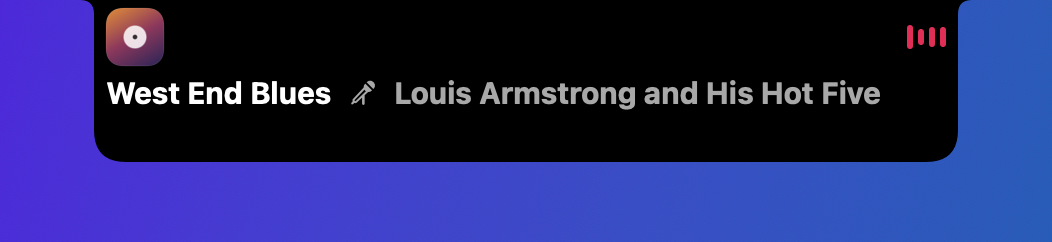
Change tracks, and the notch grows just enough to show it, then shrinks back on its own. It never asks for a click it doesn't need.
Get Macinotch.
Try it free for 48 hours — no card, no account. After that, buy it once or pay monthly. Either way, it's yours to run for as long as you want it.
Download the beta and run it free for 48 hours first — buying is only worth it if it earns a place in your menu bar.
One-time
- Every feature, no subscription
- Free updates for this major version
- Yours to keep, at this price, forever
Monthly
- Every feature, cancel anytime
- All future updates included
- Lower cost to start
Early, not unfinished.
Everything on this page works today — the beta label is about how long it has been in other people's hands, not what it does. You get every update to this major version at no extra cost, and the price you pay now is the price you keep. If it is not for you, email support@macinotch.com within 14 days and we will refund it.
Before you buy.
Do I need a MacBook with an actual notch?
No. Macinotch runs on any Apple silicon Mac on macOS 14 or later. If your display does not have a notch, it draws its own small cutout in the menu bar instead. Intel Macs are not supported in this beta.
What is the difference between one-time and monthly?
The app itself is identical either way. Pay once and it is yours, or pay less to start and cancel the monthly plan whenever you want.
How do I get the app after I check out?
You will get an email with your download right after payment. We are not routing that through an automatic in-browser download yet.
Does Macinotch see my calendar or camera?
Only to show you the widgets you turn on. Nothing is sent anywhere else. See our Privacy page for the full picture.
Will I get future updates?
Yes. One-time buyers get free updates for this major version, and the monthly plan includes every update for as long as you stay subscribed.